


Client Reservation Support & Contact
Find quick answers and step-by-step guides, or search for the feature you need help with.
Support articles

Featured
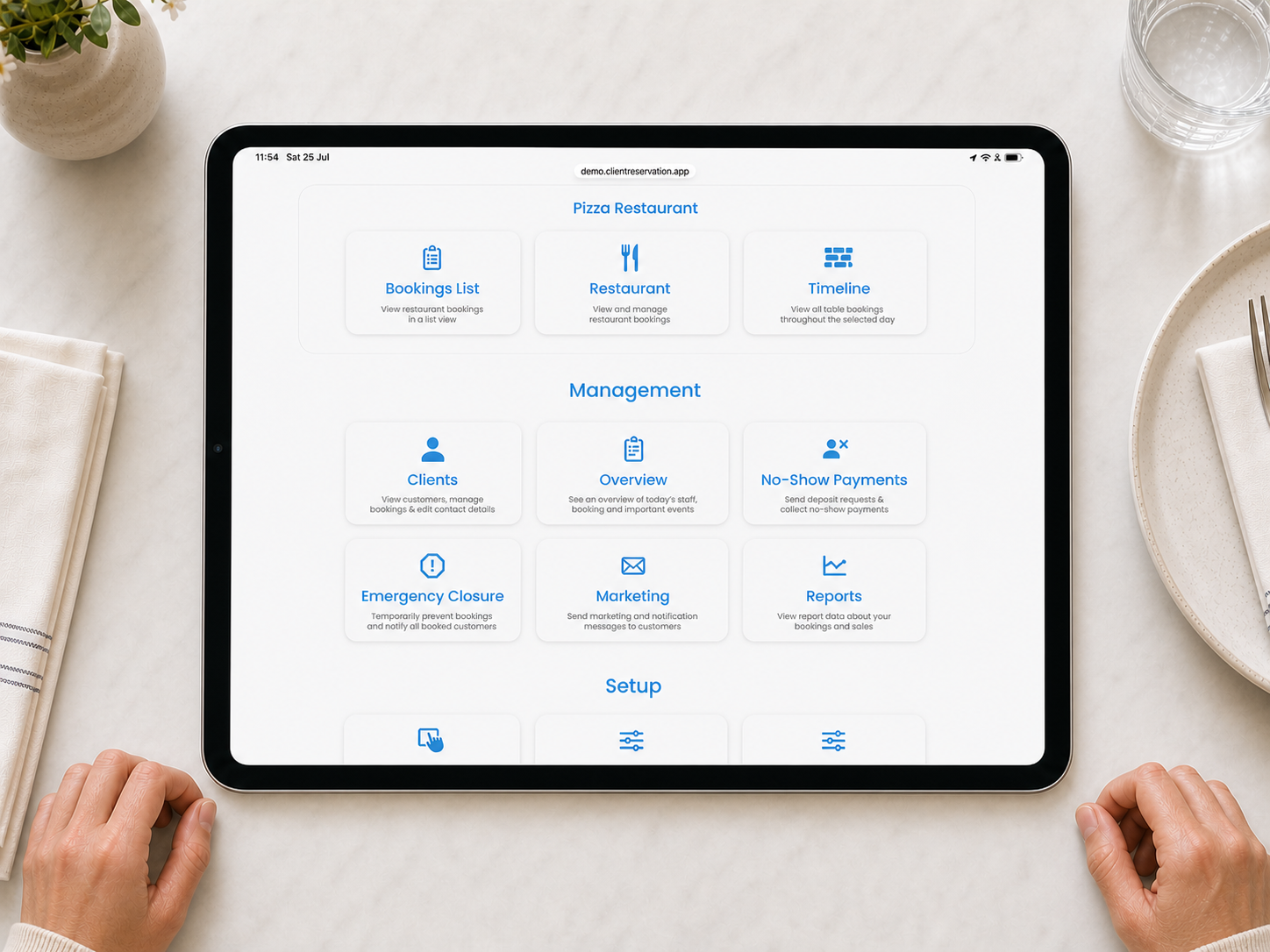
Understanding the Admin Home Screen
Learn how to find reservations, management tools, venue setup and account information.
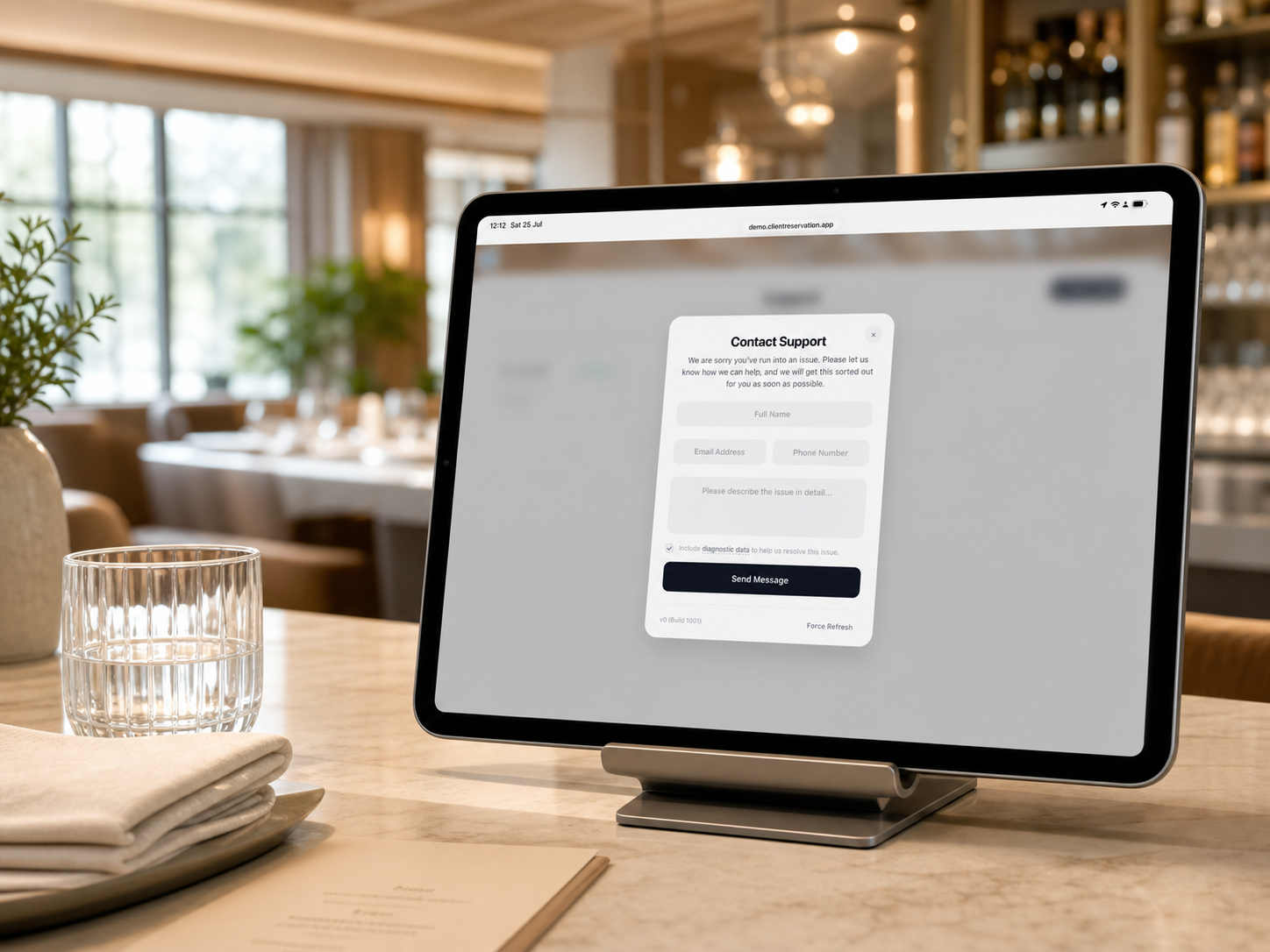
Create and Manage a Support Ticket
Learn how to contact support, track your request and continue the conversation.
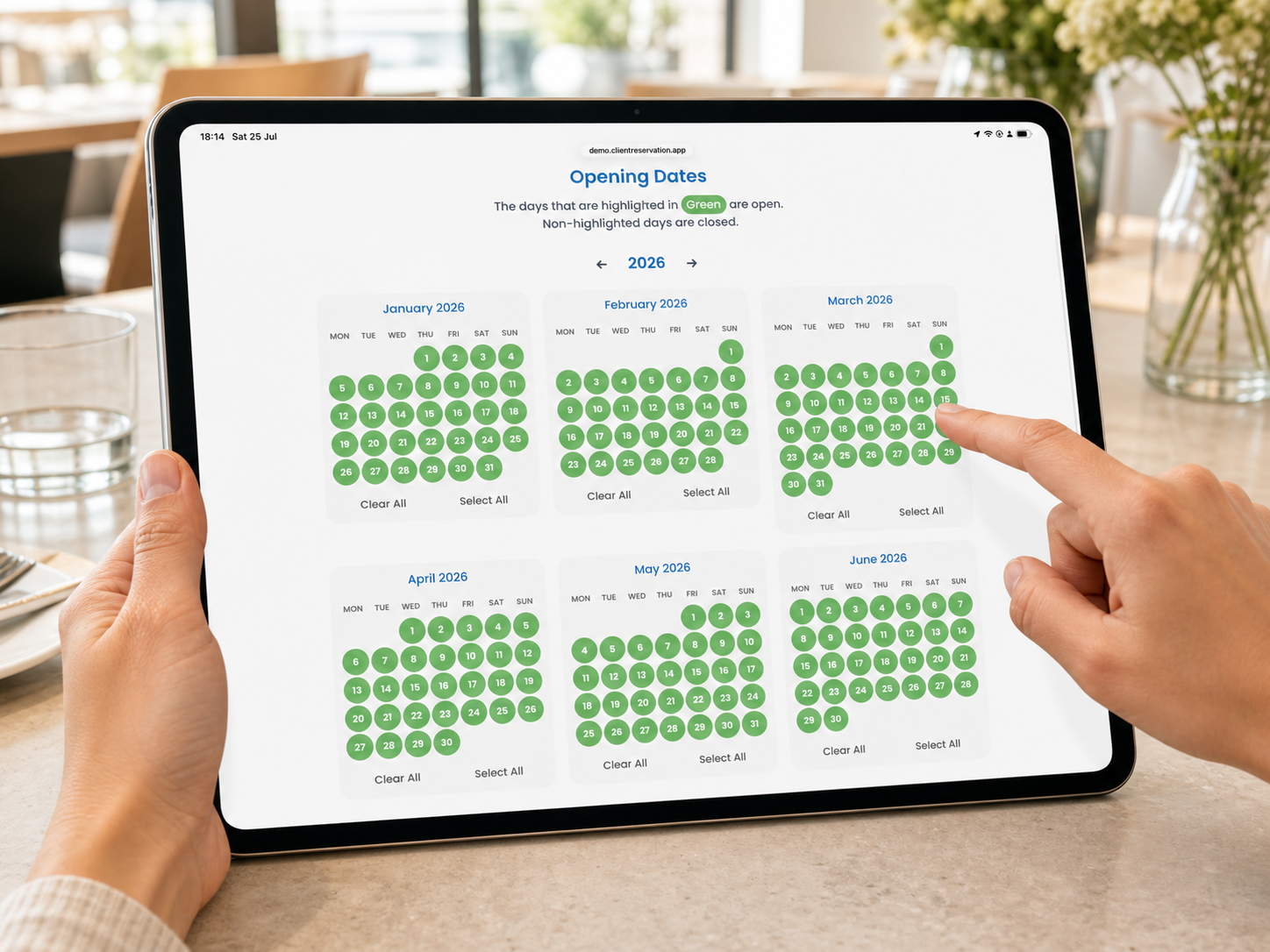
Set a Venue’s Opening Dates
Learn how to open or close booking dates for the correct venue and year.
All Articles
15 articles available
Understanding the Admin Home Screen
Learn how to find reservations, management tools, venue setup and account information.
Create and Manage a Support Ticket
Learn how to contact support, track your request and continue the conversation.
Set a Venue’s Opening Dates
Learn how to open or close booking dates for the correct venue and year.
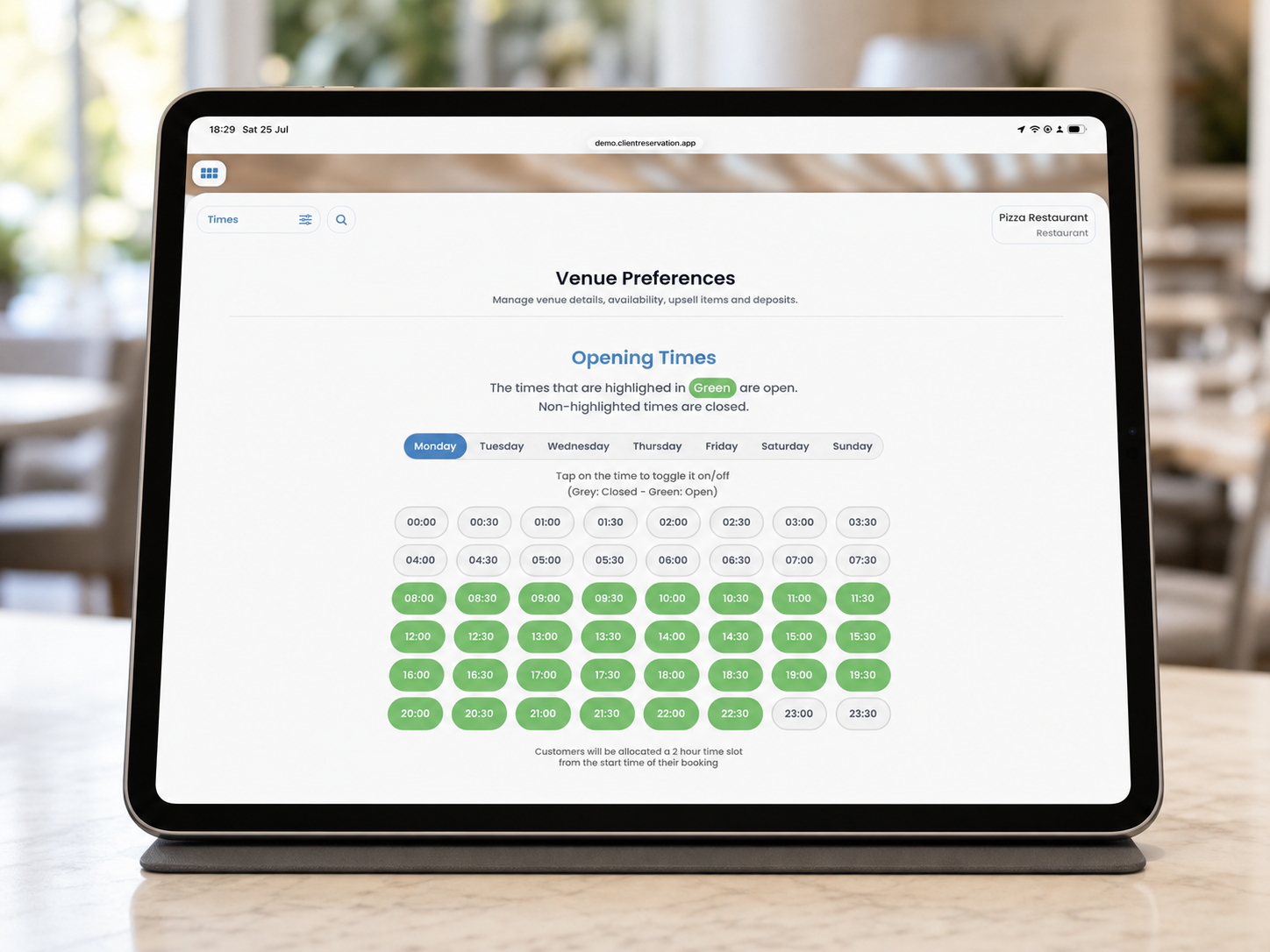
Edit a Venue’s Opening Times
Learn how to choose the booking start times available on each day of the week.
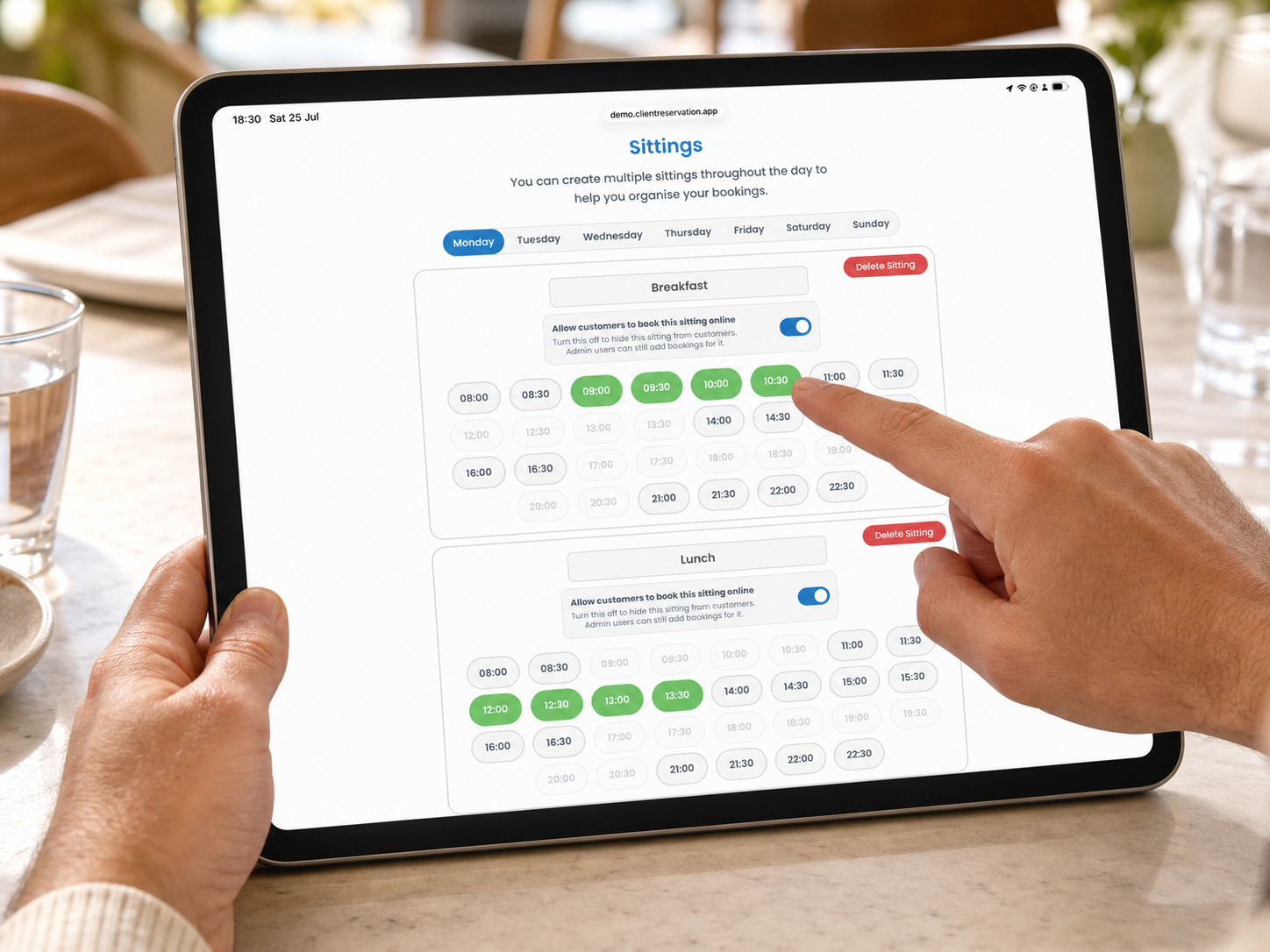
Create and Edit Sittings
Learn how to create booking periods, assign times and control online availability.
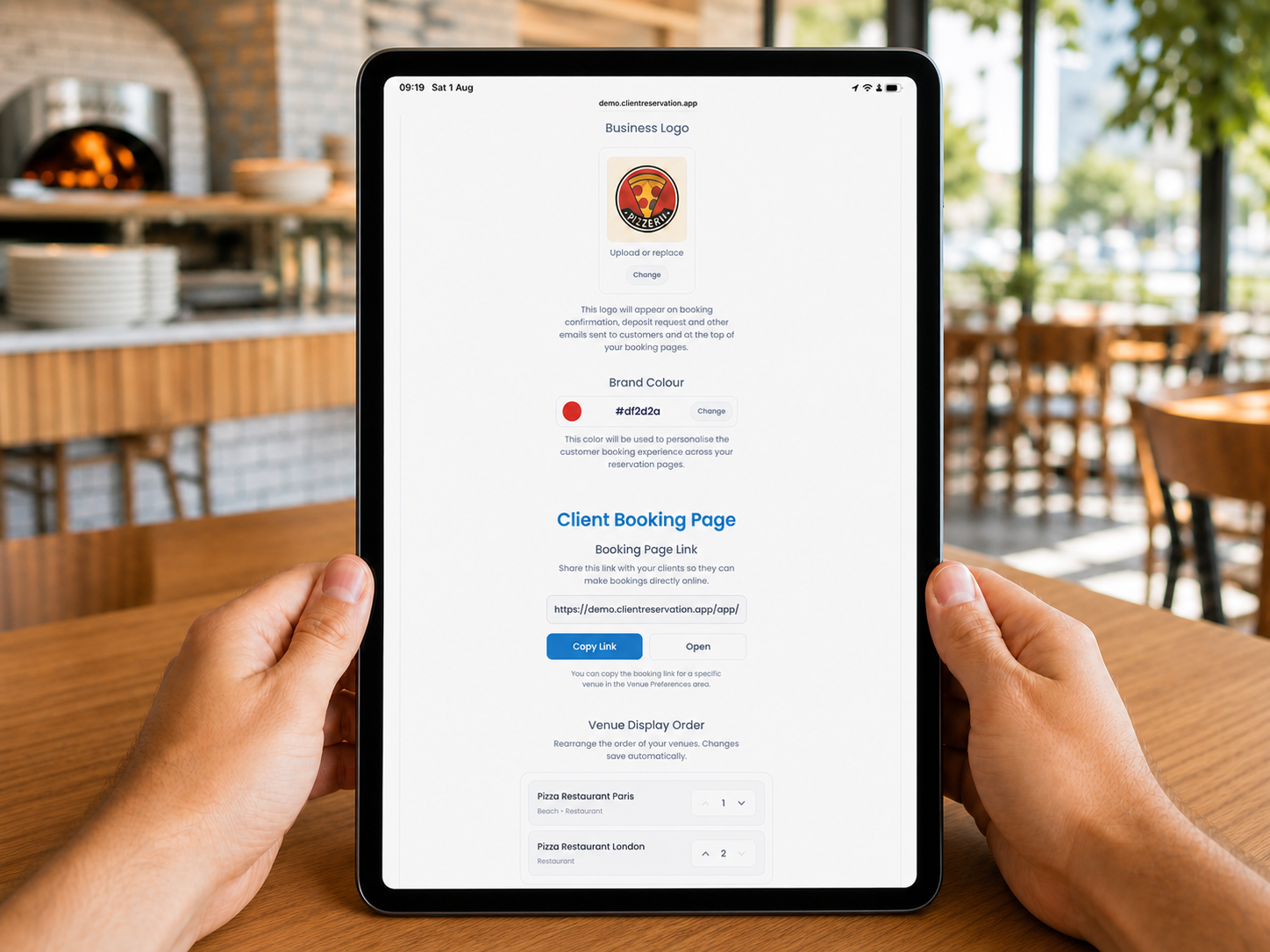
Add Your Business Branding
Learn how to add your company name, logo, brand colour and customer contact details.
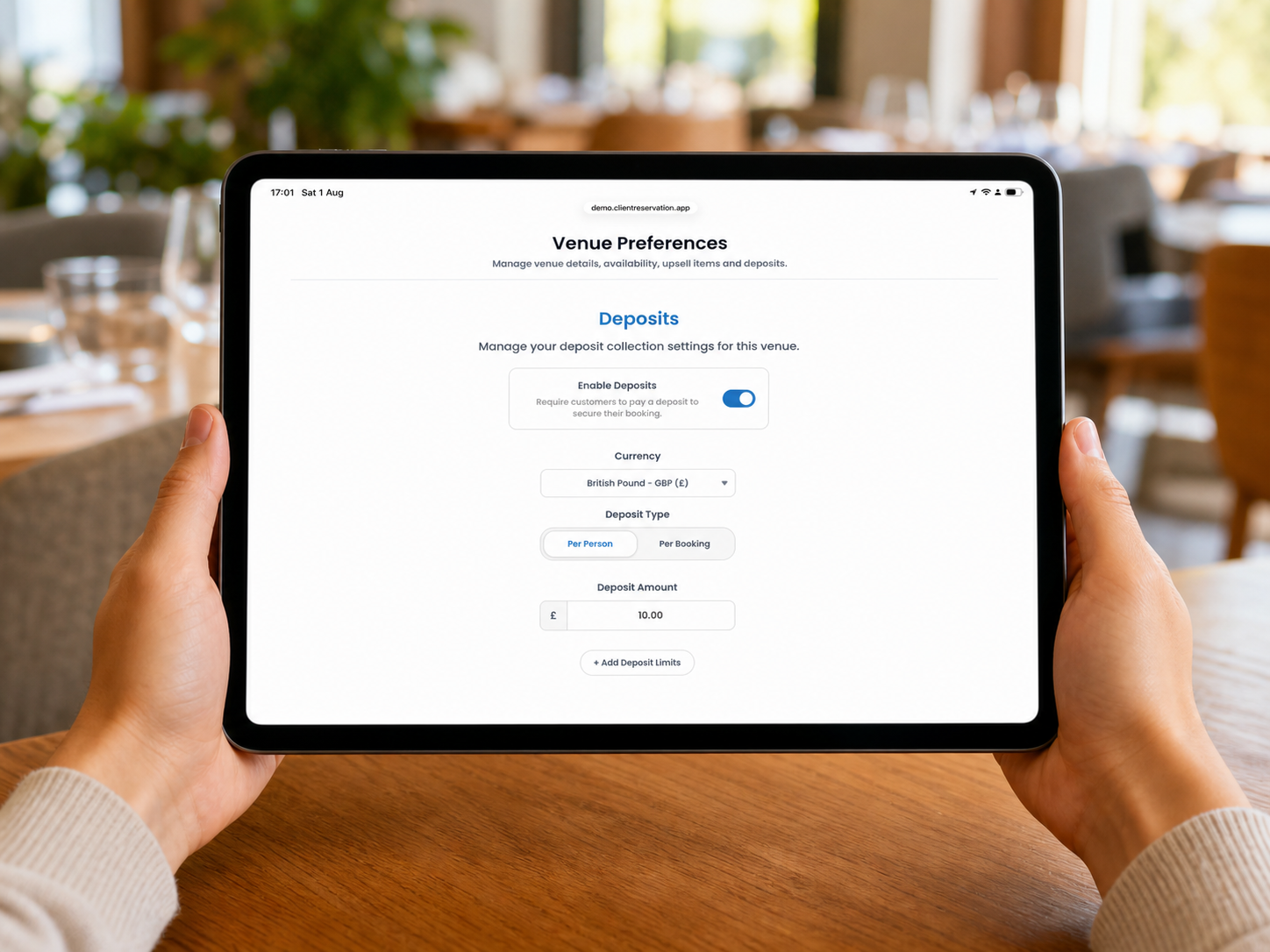
Enable and Configure Venue Deposits
Learn how to enable deposits to help reduce no-shows, choose a calculation type and set optional limits.
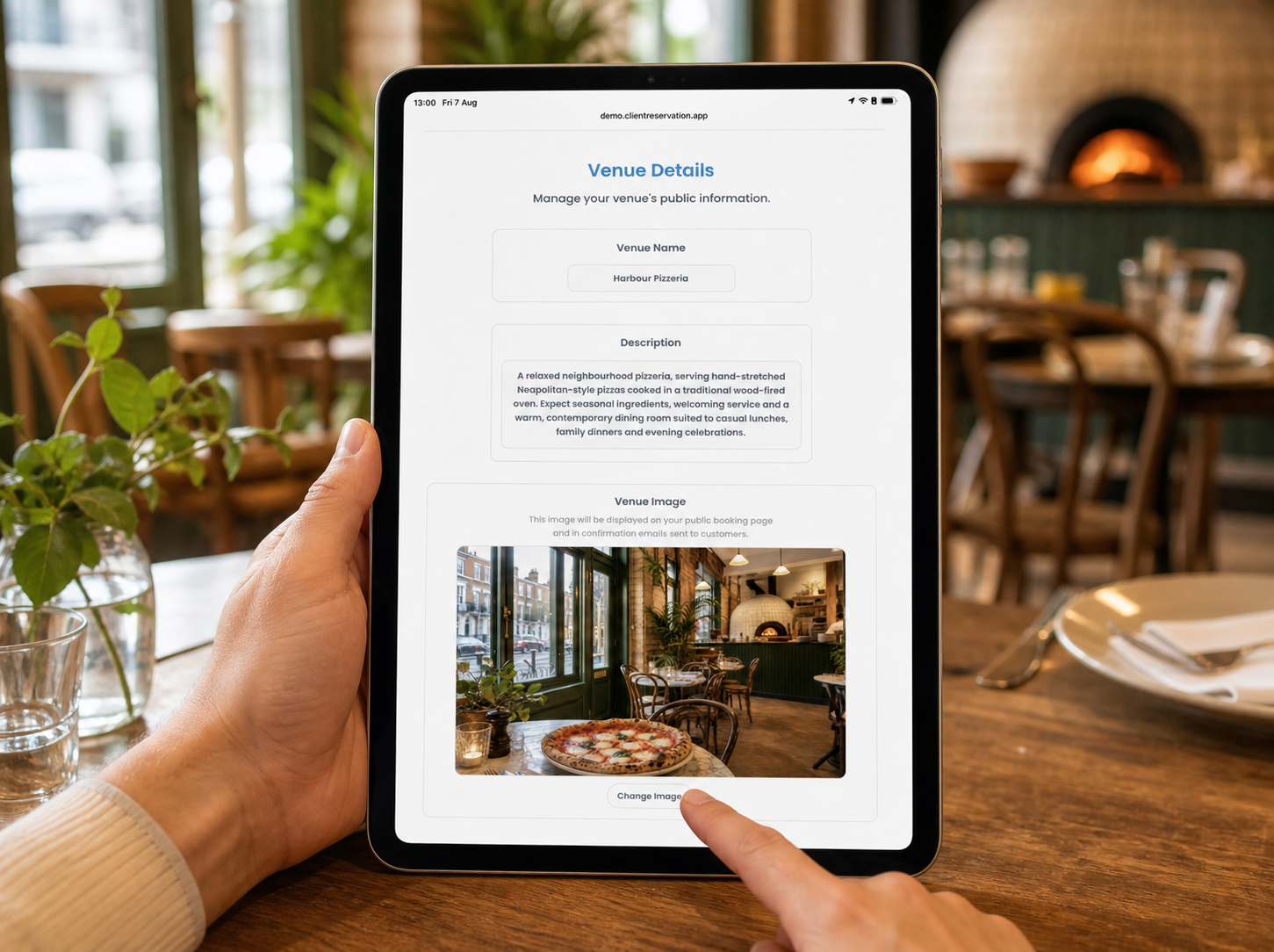
Edit Your Venue Details
Learn how to update a venue’s name, description, image and booking terms.
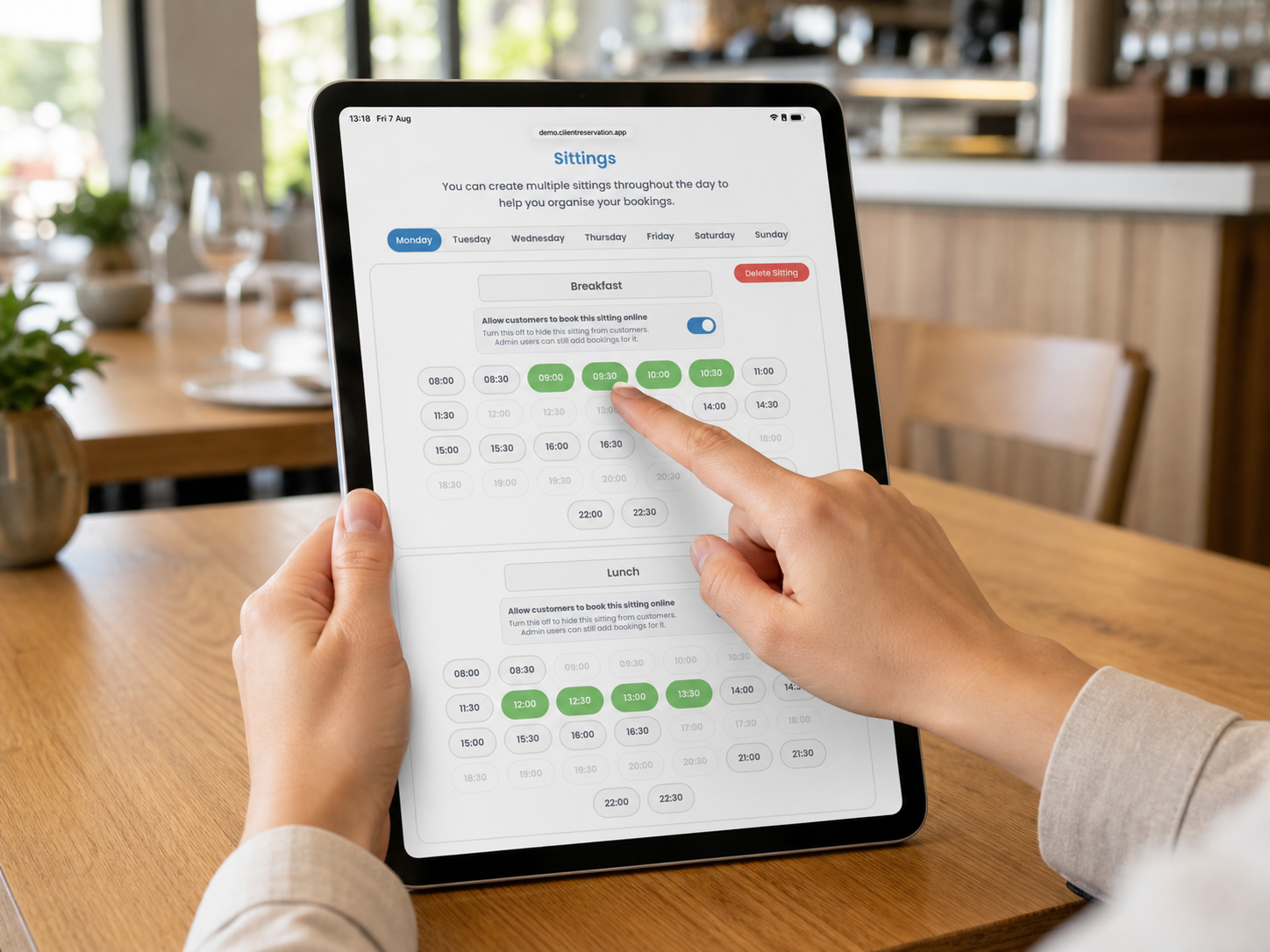
Set and Edit Restaurant Sitting Times
Learn how to create service periods, assign booking times and manage online availability.
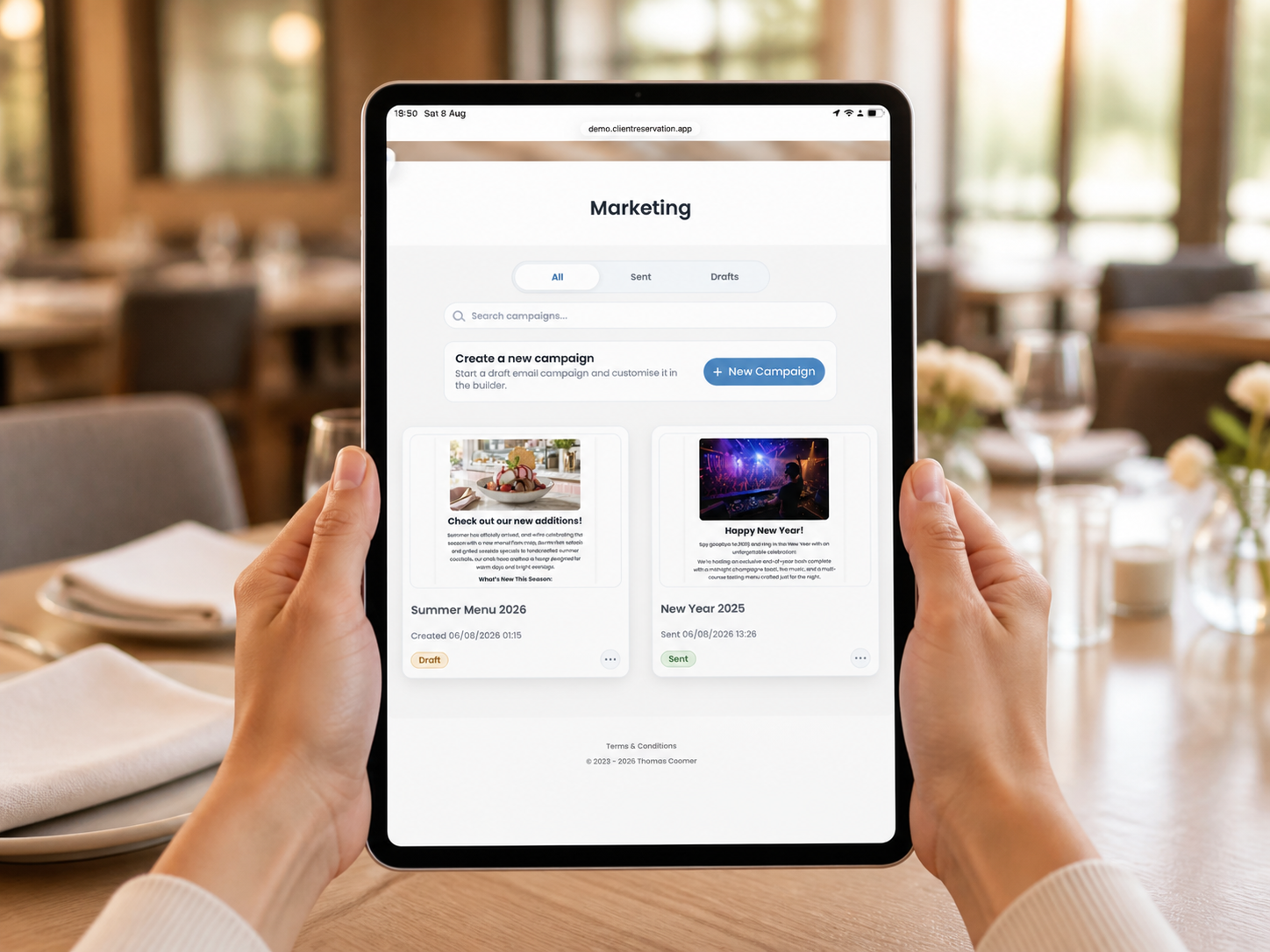
Getting Started with Email Marketing
Learn how to design, test, target, send and review customer email campaigns.
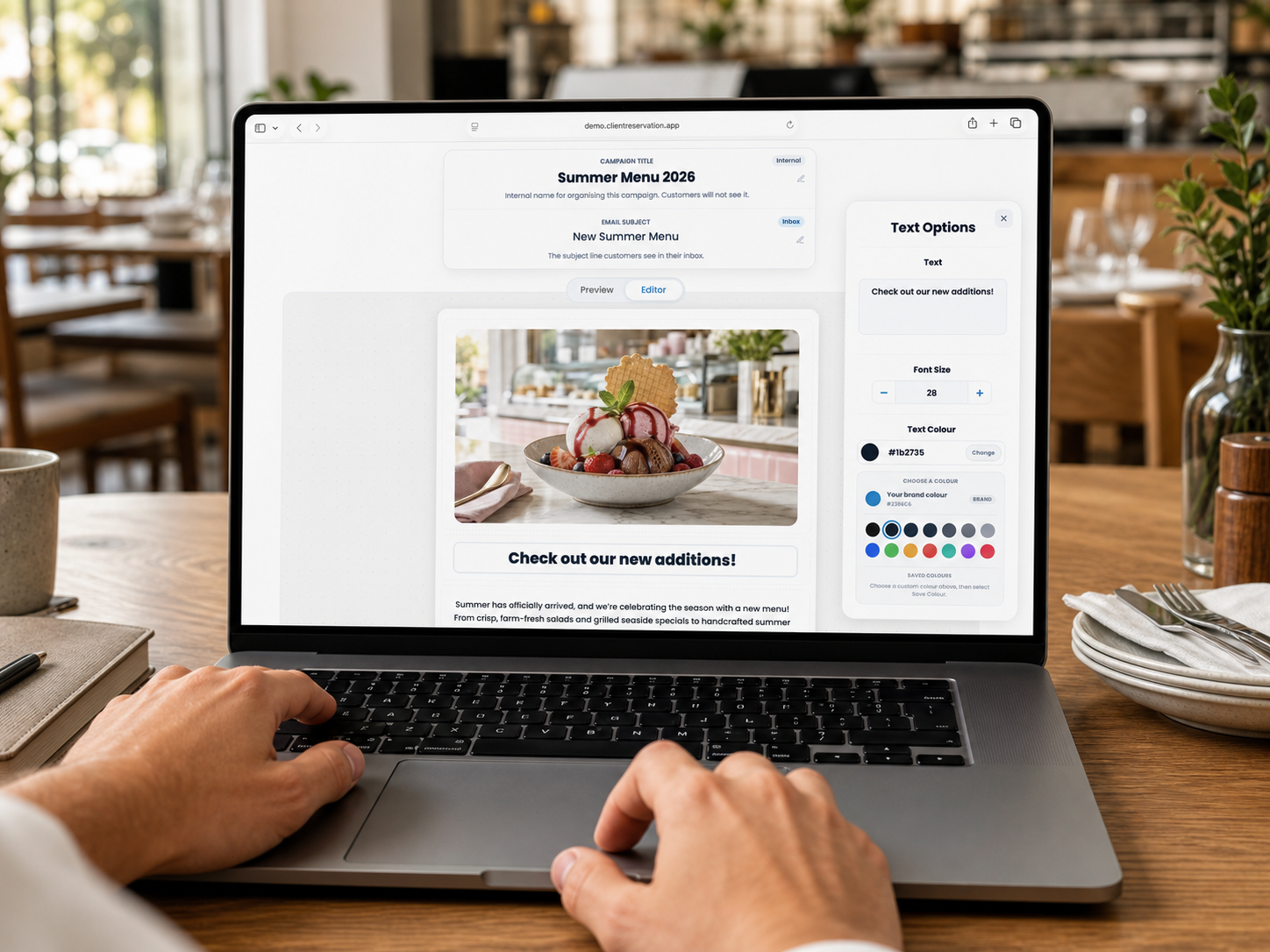
Create and Design a Marketing Email
Learn how to build a branded email using text, images, buttons, colours and links.
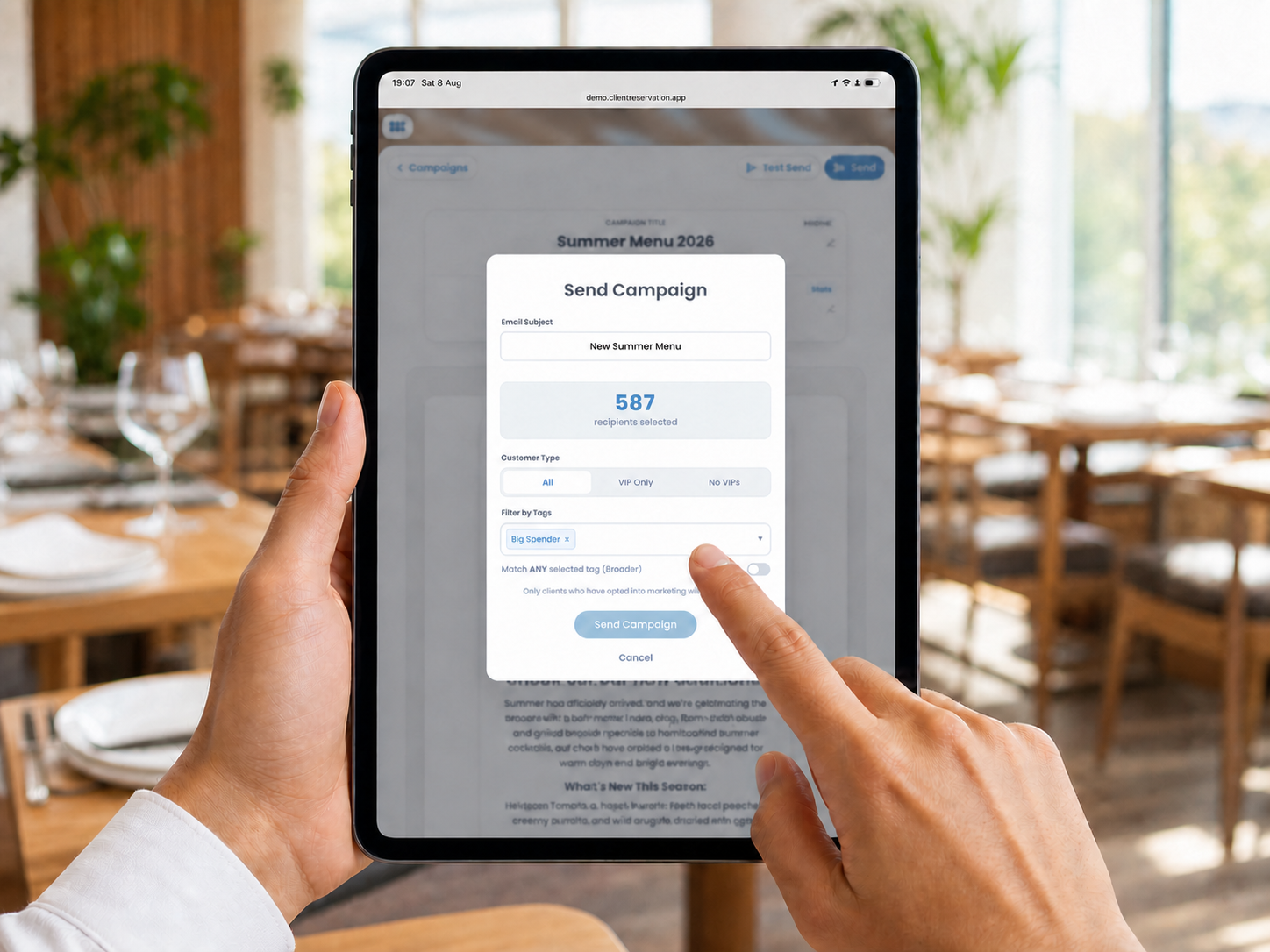
Choose an Audience Using Customer Tags
Learn how to target campaign recipients using tags, VIP status and matching options.
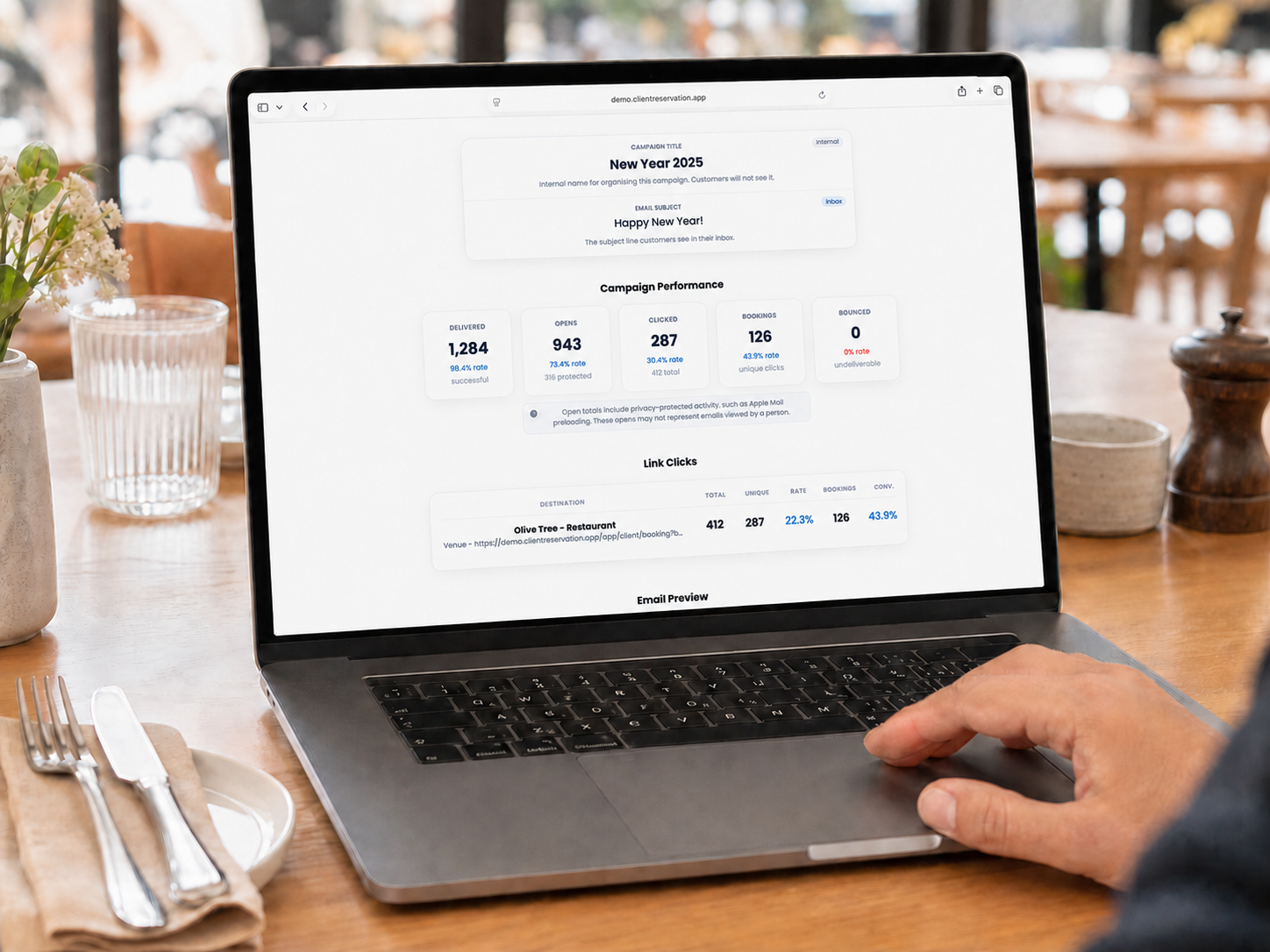
Send an Email and Understand Its Analytics
Learn how to test and send a campaign, then interpret its performance and link results.
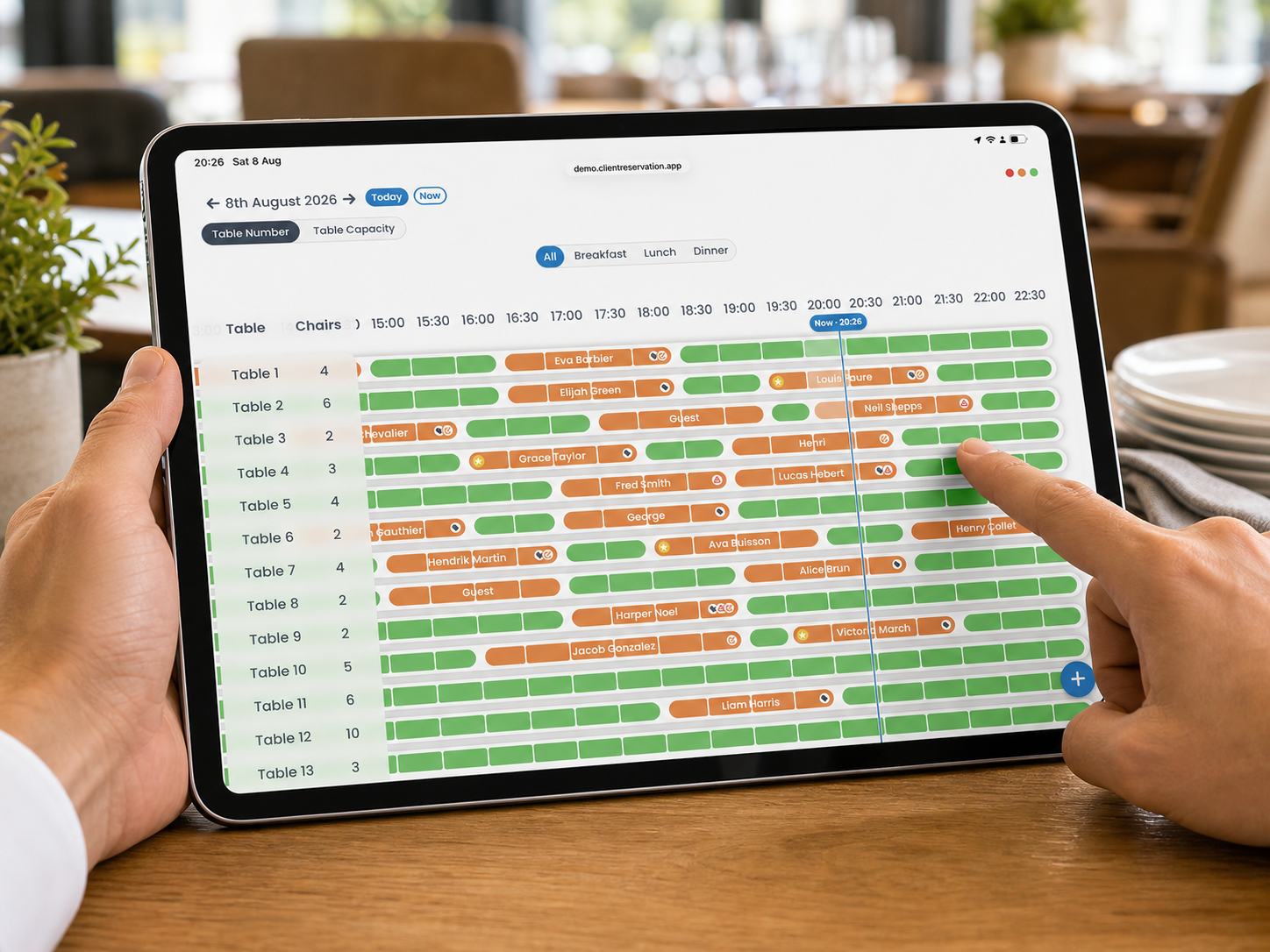
Add a New Booking from the Timeline
Learn how to select an available table and time, add the customer and create a reservation.
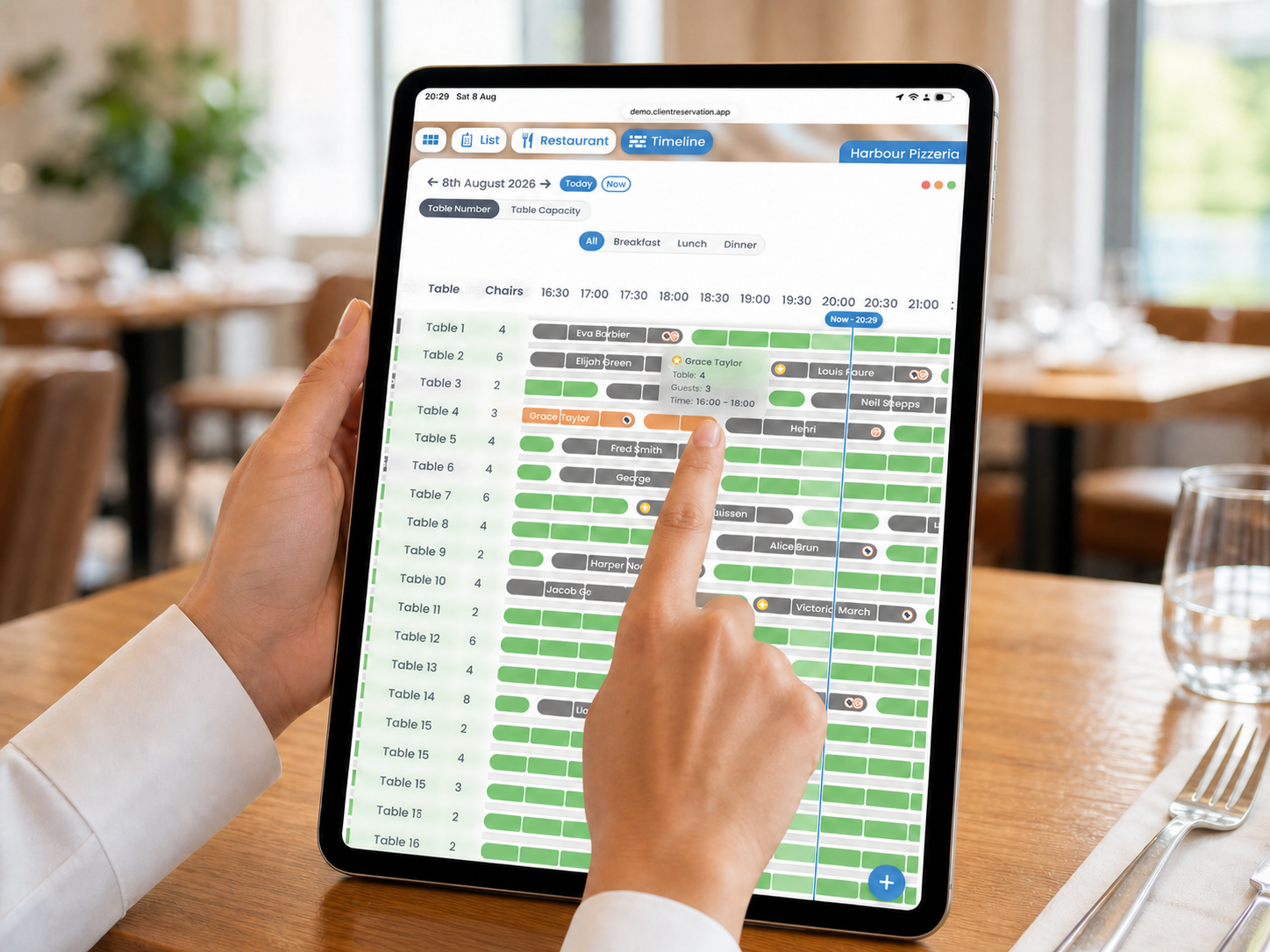
View and Move Bookings on the Timeline
Learn how to open booking details or change a reservation’s table and time using drag and drop.
No articles found
Try a different search, or contact the support team below.
Still need help?
Contact Support
Please use this form to contact us
if you are an existing client
Name *
Customer ID
Email Address *
Choose Department
Support Question *
By pressing send you agree that we can contact you using the information provided to discuss your support request and pass this information on to the relevant department internally to help solve your support issue.